OpenClaw Browser Relay: What It Is and How to Use It

Key Takeaways
Understanding how to effectively manage browser-based automation is crucial for modern digital workflows. By leveraging specialized tools, you can streamline repetitive tasks without needing manual intervention for every step.
- The relay enables secure interaction between AI agents and local browser environments.
- Proper configuration of permissions ensures safe and isolated task execution.
- Browser extensions facilitate communication without requiring complex remote debugging setups.
- Monitoring automation performance is essential for maintaining accuracy in business processes.
- Robust security practices and firewall rules protect sensitive session data during relay operations.
What is OpenClaw browser relay?
Automating your web tasks requires a reliable connection between your decision-making AI engine and the browser interface. The relay acts as the essential conduit that translates high-level commands into actionable browser interactions like clicks, form fillings, and page navigations. By separating the agent logic from the interface, users gain a scalable way to manage digital workflows across different environments.
The role of the relay in modern automation architecture
The relay functions as a local server that translates data packets into commands understood by the browser architecture. Within platforms like TEAM CONTROL, this mechanism ensures that agent actions are performed precisely. Instead of relying on manual inputs, this architectural approach allows for standardized communication across multiple automated sessions.
Bridging the gap between local browsers and remote environments
Integrating OneTeam APP into your workflow requires a stable bridge between your local interface and cloud-based AI processing. The relay connects the two via a secure loopback WebSocket, ensuring that the control signals remain private while navigating complex web platforms. It captures real-time input and output, allowing the agent to respond to dynamic web changes instantaneously.
Key differences between client-side and server-side automation
Client-side automation often relies on the browser's own session data, running tasks exactly as a human would in their own window. Server-side approaches, by contrast, frequently struggle with authentication and dynamic page state, which is why Team Control emphasizes locally-relayed browser interactions. Using a relay forces the architecture to respect local session privacy while maintaining the ability to automate complex web forms.
Getting started with the OpenClaw extension

Getting up and running with the relay extension requires a straightforward setup process within your established browser profile. This extension does not modify the browser core but rather unlocks communication protocols that allow your AI agents to interact with web pages. By following the installation path carefully, you ensure the connection remains stable throughout your automation cycles.
Installation steps from the Chrome Web Store
Start by locating the official OpenClaw Browser Relay extension in the store and adding it to your browser. Once installed, it will sit silently until a connection request is sent from your agent runtime, keeping your interface clean while enabling powerful background capabilities.
Configuring initial permissions and API keys
After installation, you must authorize the extension to communicate with your local control service. This step ensures that only your trusted agent can send navigation commands, which is a vital part of maintaining a secure automation environment on your machine.
Verifying successful connection status
Once authorized, the extension icon will indicate an active link through a change in status color. You can run a simple doctor command via your terminal to ensure the WebSocket is correctly transmitting data packets between your agent and the browser tab.
Managing multiple browser profiles within the relay
For users running diverse tasks, the relay supports separate profiles to prevent session bleeding. This isolation is critical for workflows that require different authentication states, such as personal research versus professional management, ensuring that data never overlaps unnecessarily.
Core features and functionality
Executing complex browser-based workflows involves more than simple clicks; the relay must handle intricate webpage states as they evolve. By focusing on reliable interaction models instead of fragile scraping methods, the underlying automation remains resilient against minor site updates. This stability is the bedrock of any successful long-running digital assistant.
Executing remote commands through the browser relay
Commands are dispatched from your agent directly to the relay instance. Whether you are automating login sequences or data entry, the relay translates these requests into low-level browser debug protocol events. This results in nearly instantaneous browser task execution without the latency often associated with traditional cloud-based scripts.
Handling dynamic element interaction and webpage state
Modern websites frequently change their structure, which challenges standard automation scripts. The relay manages these challenges by monitoring the Document Object Model (DOM) for specific state indicators, allowing the agent to wait until a page is fully loaded before initiating any interactive actions.
Managing cross-origin requests and script injection
Security is paramount when performing cross-origin tasks within the browser. The relay manages these sessions by strictly enforcing origin boundaries and restricting script injection to only the domains you have explicitly authorized, preventing unauthorized data exfiltration or session interference.
Automating complex form submissions and navigations
The following table outlines the capabilities of the relay when managing complex navigation cycles versus basic actions:
| Feature | Complexity Level | Primary Use Case |
|---|---|---|
| Basic Nav | Low | Redirects and Page Loading |
| Form Entry | Medium | Automated Registration Flows |
| State Tracking | High | Deep Web Interaction Cycles |
- Initiate session and verify target page availability per the OpenClaw extension documentation.
- Execute primary interactions following the defined workflow schema.
- Validate output data against the expected state to ensure accuracy.
- Clean up temporary session tokens before closing the connection.
Following these steps, your automation will reliably handle complex navigations while keeping error rates low.
Integrating OpenClaw with your automation stack
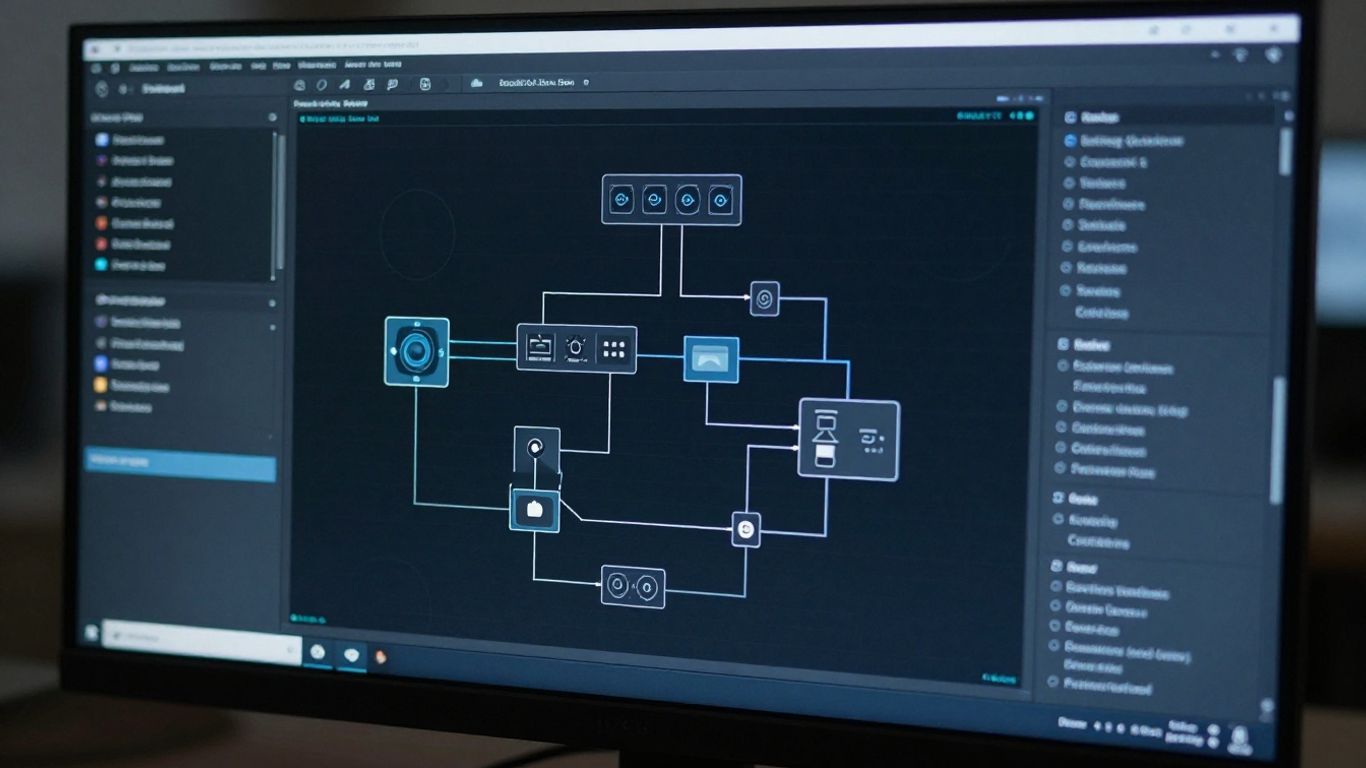
Connecting your local automation to external data endpoints transforms a standalone agent into an enterprise-scale utility. By piping your browser results through APIs, you can feed automated data into other business tools like CRMs or spreadsheet platforms to drive decision-making. This connectivity makes the workflow more transparent and much easier to audit over time.
Connecting with external API endpoints
Direct integration with external APIs allows your browser relay to fetch real-time data while performing actions. For example, your agent could read an invoice page, scrape the total amount, and immediately post it to an expense monitoring service without human intervention.
Triggering relay actions from headless scripts
Headless environments often require a way to drive the UI for verification or complex auth workarounds. By linking your headless node process to the browser relay, you gain the ability to step into the browser session only when necessary, saving valuable compute resources while preserving complete functionality.
Optimizing data extraction flows with the relay
Data extraction is most efficient when performing selective reads. Instead of downloading heavy pages, the relay interacts directly with relevant page components, minimizing bandwidth and reducing the processing load on your host machine.
Using webhooks for real-time automation feedback
Implementing webhooks allows your automation platform to push updates as they occur. When an agent finishes a step, it can dispatch a signal that keeps your dashboard updated, ensuring you always know the exact status of your ongoing tasks without polling.
Security and privacy considerations
Operating an automated relay requires careful attention to the data being accessed. Because the extension acts as a gateway to your browser, you must manage credentials and session tokens with the same level of caution you would apply to your master passwords. Proper configuration minimizes the risk of exposing sensitive identifiers to unintended processes.
Protecting sensitive session data during relay operations
Always ensure that your browser relay setup uses encrypted local storage for any temporary tokens or session cookies. By keeping these files under strict file-system permissions, you prevent other local processes from reading session identifiers.
Best practices for managing authentication credentials
Do not store credentials directly inside your scripts. Instead, use environment variables defined within secure configuration files, ensuring that your automated workflows reference these keys only when authorized connection to the browser is active.
Configuring firewall rules for authorized browser access
Restricting the relay's network access via your firewall is a standard precaution. By limiting connections to 127.0.0.1 and authorized ports, you keep the relay invisible to the public internet, effectively negating remote access threats.
Balancing script speed against security protocol overhead
Adding deeper security checks can occasionally introduce minor latency in task execution. Balancing these checks requires finding an optimal frequency for security validation that maintains system integrity without hindering the real-time speed of your digital agent.
Optimizing performance for complex workflows
Scaling your browsing automation means dealing with the realities of system load and request efficiency. As your agent list grows, monitoring the overhead of each individual connection becomes essential for preventing system resource depletion. Well-refined workflows are designed to handle errors before they compound into larger failures.
Reducing latency in multi-step browser interactions
Latency is often caused by redundant page reloads or excessive Wait commands. By optimizing your scripts to keep the browser state consistent across steps, you significantly decrease the time between individual actions, allowing for tighter loops.
Resource management for long-running automation tasks
For continuous operations, it is wise to implement periodic session refreshes. Occasionally closing and re-opening the browser relay prevents memory accumulation, ensuring that your automation remains responsive throughout the day without performance degradation.
Debugging communication errors between the extension and the relay
Communication errors are usually rooted in version mismatches or connectivity interruptions. To address these, perform a clean reset of the relay service and the browser extension link to establish a fresh handshake between the two systems.
Scaling browser relay usage across team environments
When scaling across a team, standardized deployment scripts and uniform configuration files are essential. Centralizing management ensures that all team members operate under the same security and performance protocols, preventing localized issues from affecting the wider automation fleet.
Conclusion
Mastering the browser relay opens new possibilities for automating your digital workload with accuracy and speed. By focusing on secure connectivity and efficient state management, you can build resilient agents that handle complex web navigation effortlessly, ultimately allowing you to refocus your time on higher-level strategic work.
Frequently Asked Questions
Can browser relay work with any web page?
The relay is compatible with most standard web environments, though highly complex interactive elements or non-standard pop-up blockers might require custom agent logic for seamless interaction.
Is the relay extension safe for sensitive accounts?
Yes, the relay operates locally on your machine and does not send your browser credentials to any external servers, as all communication is restricted to your local instance.
What happens if the internet connection drops?
If the connection is lost, the relay will pause the automation process and wait for the signal to return, allowing the agent to resume from its last verified state.
Do I need to be a programmer to use this?
While some familiarity with configuration and script-based logic is helpful, many workflows are designed to be intuitive for those managing repetitive digital office tasks.
Can I run multiple relays simultaneously?
You can run multiple relay instances as long as they are assigned unique ports to avoid communication interference and session overlap on your local machine.
What is the primary benefit of the relay over screen recording?
Unlike visual recording methods, relay interactions are deterministic, meaning they target specific page elements, leading to fewer errors and more consistent performance across different screen sizes.
How often should the relay extension be updated?
Whenever the primary automation framework receives an update, it is best practice to check if the extension has a corresponding update available to ensure total compatibility with the latest features.