How to Monitor AI Agents on a VPS Without Managing Servers

Key Takeaways
Optimizing your AI operations requires balancing infrastructure control with ease of use. This article covers how to maintain visibility into your autonomous agents while minimizing administrative burden.
- Manual server management adds significant complexity to AI agent deployment.
- Managed platforms reduce technical overhead by automating provisioning and maintenance.
- Real-time observability metrics are essential for catching silent agent failures.
- Implementing remote monitoring ensures uptime without needing deep-level server access.
- Automation frameworks enable self-healing for long-running autonomous tasks.
The challenge of managing VPS infrastructure for AI agents
Operating autonomous AI agents on a virtual machine requires consistent oversight, yet the technical requirements often distract from the primary business goal of building efficient workflows. Managing individual servers manually entails complex networking, security hardening, and ongoing system updates that don't directly contribute to AI performance. Organizations often struggle when they realize that the time spent on server maintenance outweighs the productive time of the agents themselves.
Overhead of manual server maintenance
Manual maintenance requires a recurring commitment to Linux system administration. You must handle kernel updates, package management, and firewall configurations, all while ensuring your agent environment remains stable for critical workflows. This daily operational tax consumes engineering resources that would be better served focusing on agent prompts and integration logic.
Risks of downtime for autonomous agents
AI agents are inherently unpredictable because they can fail in ways regular applications do not. A minor server update or an unmanaged dependency issue can leave a critical task hanging without notice. While traditional monitoring might signal an uptime heartbeat, it often misses the nuance of an agent caught in a logic loop or executing faulty background actions.
Resource constraints and scaling issues
As your usage grows, static server configurations fail to provide the elastic scaling required for bursty AI workloads. Scaling requires manual disk resizing or migration, creating bottlenecks during periods of high demand. For a streamlined experience, using Team Control, which offers a fully managed AI agent workforce platform, allows organizations to bypass these hardware concerns entirely.
Choosing the right hosting model for serverless management
Transitioning away from self-managed servers shifts the burden of infrastructure maintenance to specialized service providers. This change allows engineers to focus on high-level orchestration instead of operating systems, resulting in more reliable agent uptime and faster deployment cycles.
Understanding managed VPS providers
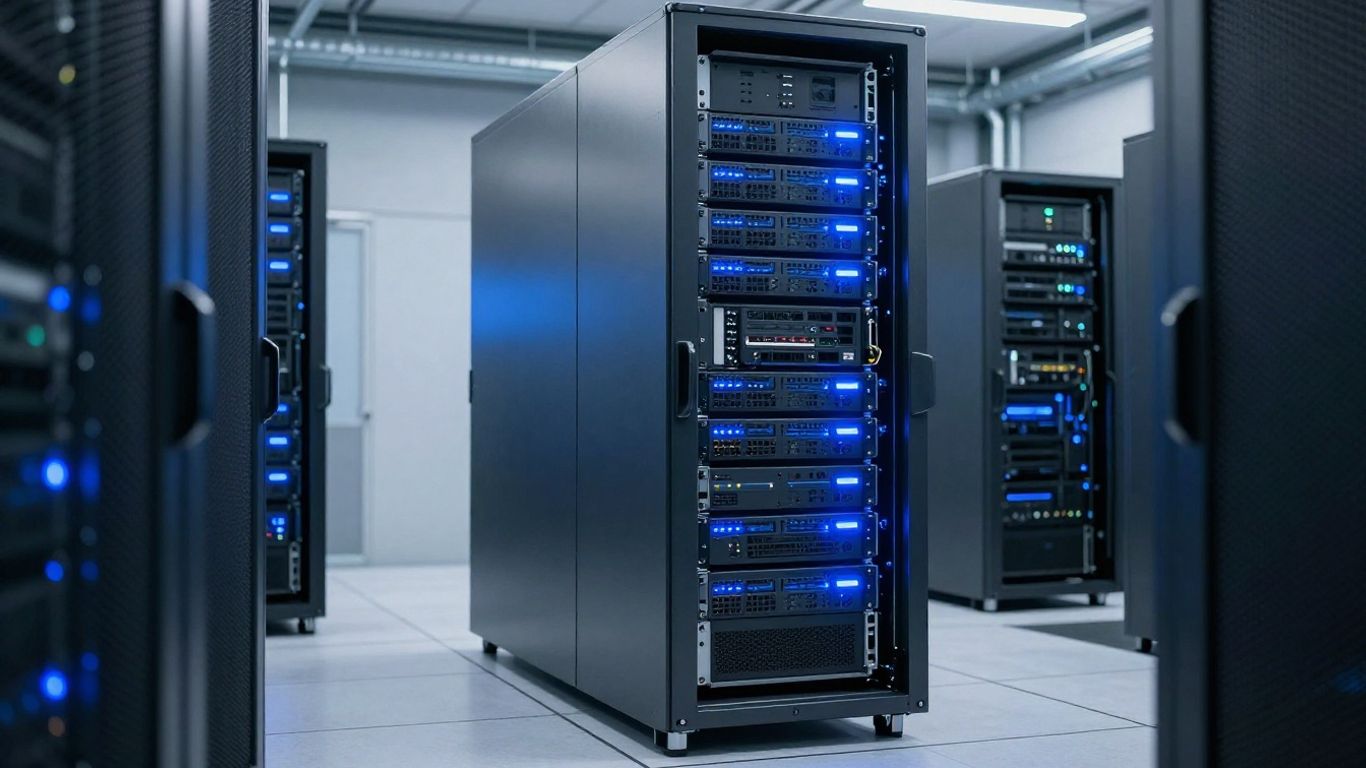
Managed VPS solutions provide the performance of a dedicated server without the administrative burden. These platforms typically pre-configure essential runtimes and security hardening, ensuring your environment is ready to handle agent workloads out of the box. By leveraging reliable infrastructure like Virtua.Cloud, you can isolate agents in dedicated environments that safeguard your personal workstation.
Benefits of automated deployment platforms
Automated deployment platforms manage the entire lifecycle of your agent instances, including provisioning, configuration, and scaling. These services provide centralized dashboards for monitoring and orchestration, reducing the risk of misconfigured environments. Using tools like ClawVPS helps you get instances live in minutes, eliminating hours of initial setup and ongoing patch management.
When to choose managed versus unmanaged infrastructure
Selecting the right infrastructure depends on your technical maturity and the operational capacity of your team. While unmanaged infrastructure offers total control for deeply customized setups, managed platforms are preferred for scaling standard agent workflows efficiently. Using an AI agent management strategy ensures that resources are allocated effectively while reducing maintenance overhead throughout the agent's entire operational lifespan.
Essential monitoring metrics for autonomous AI agents
Monitoring goes beyond simple connection status, requiring deep insight into the internal execution path of your agents. Tracking specific performance signals allows you to understand how environmental factors affect your agent throughput and decision efficiency.
Tracking latency and response time
Latency in an agent session often points to upstream API bottlenecks or inefficient tool calls that delay task completion. Monitoring the time taken per step allows you to identify which specific agent strategies are slowing down production. To effectively monitor AI agents on a VPS, you must aggregate these telemetry signals into a singular view.
Resource consumption and memory usage
Keeping tabs on memory usage is critical to preventing silent agent crashes caused by heavy background processing. We recommend tracking specific utilization parameters that correlate with agent activity. The following table summarizes the key performance indicators for a typical agent loop:
| Metric Category | Target Range | Monitoring Frequency |
|---|---|---|
| Memory Usage | Under 70% | Real-time |
| API Latency | < 500ms | Hourly |
| Tool Success | > 95% | Per-request |
| Token Usage | Dynamic | Daily |
Maintaining these metrics ensures you have comprehensive operational oversight at scale, preventing failures before they impact your business logic. After deploying these tracking methods, you can verify if spikes in memory correspond to specific agent tasks.
Agent output quality and hallucination detection
Agent output monitoring involves verifying that the responses match the expected patterns of your automated workflows. If your agents are performing tasks like email synthesis or data analysis, you should implement validation pipelines to detect drifts or hallucinations in real-time. Consider the following verification steps:
- Log every input/output pair for historical analysis.
- Configure automated validation rules for output schemas.
- Compare agent results against deterministic ground truth labels.
- Alert on failure rates exceeding defined thresholds.
This verification ensures your automation remains compliant with business requirements without constant manual review.
Implementing remote monitoring tools without server access
Remote monitoring allows you to maintain control over your fleet without requiring root access to individual server instances. This approach prioritizes external observability by injecting telemetry into your agent runtime.

Integrating cloud-based dashboard solutions
Cloud dashboards provide a bird's-eye view of your agent workforce, aggregating logs and performance metrics in one place. By centralizing management with a platform like TEAM CONTROL, you simplify the complexity of monitoring multiple instances across your infrastructure.
Using lightweight telemetry agents
Lightweight telemetry agents run alongside your primary service, streaming performance data without increasing the resource load significantly. These agents act as silent observers of your system, ensuring that you can troubleshoot errors from a remote terminal or dashboard console.
Setting up real-time notification pipelines
Real-time notifications are crucial for maintaining continuous service availability. Configuring your pipelines to trigger alerts based on critical events—such as unauthorized access or memory exhaustion—ensures that you can proactively intervene in your agent workflows before downtime occurs.
Automating recovery and maintenance processes
Self-healing capabilities ensure that your agent infrastructure continues running even when software dependencies fail or runtime processes hang unexpectedly. Automating these procedures removes the need for human intervention in routine recovery scenarios.
Scripting self-healing workflows for agents
Self-healing workflows involve writing status checks that automatically attempt to restart processes if the agent becomes unresponsive. These scripts monitor the health of your agent loop and, upon failure, perform a graceful reset to restore service continuity. You can adopt Virtarix for hosting persistent automation workflows that require this level of resilience.
Automating container restarts and updates
Because agent environments are often containerized, automating the restart of individual services is a standard practice for maintaining uptime. This practice ensures that even if an agent hits an error, the underlying service environment remains stable and ready for the next job.
Offloading system-level maintenance to managed APIs
Offloading maintenance tasks like package updates and security patches to managed APIs, such as those included with TEAM CONTROL, is the most efficient way to manage fleet health. You can handle administrative roles through a simple API call, enabling you to manage your infrastructure without ever touching a Linux terminal again.
Security considerations for remote monitoring
Observability can inadvertently expose sensitive data if telemetry channels are not properly secured. Implementing robust access controls ensures that your monitoring data remains private and resistant to unauthorized intercept.
Securing your telemetry data pipeline
Encrypting telemetry data as it moves from your agent to the cloud dashboard prevents information leakage. You should utilize secure protocols like TLS to transmit logs and performance metrics, keeping your agent logic and memory contents private from external actors.
Minimizing exposure with dedicated monitoring ports
Opening only necessary ports for telemetry transmission limits the attack surface of your servers significantly. By using a secure agent monitoring architecture, you can isolate your monitoring traffic on a separate network interface, ensuring it does not interfere with or expose your agent interactions.
Effective monitoring bridges the gap between raw hardware availability and the nuanced reality of intelligent software performance.
Strategic oversight requires a balance of visibility and protection. Implementing role-based access control (RBAC) ensures your monitoring infrastructure remains safe, enabling only authorized personnel to modify dashboard settings or trigger emergency recovery routines.
Implementing role-based access control (RBAC) for dashboards
RBAC allows you to define granular permissions for who can view logs, review agent outputs, or manage server restarts. By limiting dashboard access to team members who require it, you significantly reduce the risk of accidental configuration changes or data exposure. Always review your access policies regularly to ensure they remain consistent with your security Privacy Policy and organizational needs.
Conclusion
Building out a resilient infrastructure for AI agents is no longer a task that requires deep expertise in server administration. By leveraging managed modern platforms, you can effectively monitor AI agents on a VPS while focusing your efforts on higher-value tasks, keeping your operations seamless and secure.
Frequently Asked Questions
What makes monitoring AI agents different from traditional server monitoring?
Traditional monitoring tracks hardware health such as CPU and uptime, whereas AI monitoring looks for behavioral signals like hallucination rates, logical loops, and tool execution success which traditional health checks routinely overlook.
Can I run multiple types of AI agents on a single server?
Yes, provided the hardware resources are sufficient for the combined requirements of the agents, though using a containerized environment is highly recommended to prevent dependency conflicts between different models.
How often should I check the logs for my AI agents?
Real-time alerts should handle urgent failures, while a daily or weekly dashboard review is usually sufficient to identify subtle performance trends and optimize prompt efficiency over time.
Is it safe to give AI agents root access to a server?
It is only safe if the environment is strictly isolated or running in a sandboxed container, and you should implement strict permission controls to ensure the agent cannot access sensitive system files outside of its task scope.
Do I need to be a Linux expert to host AI agents securely?
No, managed platforms significantly reduce the amount of Linux-level interaction required, often providing dashboard-based controls for setup and maintenance that replace terminal commands.
What causes AI agents to hang during long-running tasks?
Agents typically stall due to recursive API requests, insufficient memory allocation for complex model contexts, or failures in external tool calls that lack proper error handling or retry logic.
Are there specific guidelines for storing agent conversation logs?
Data should always be encrypted at rest and in transit, and you should define clear retention policies that strip personal information to comply with privacy regulations while ensuring you have enough context for debugging regressions.